
Washing machine child lock is activated
The child lock being activated is one of the most common problems amongst Bosch washing machines that prevents users from using their washing machine. Fortunately, deactivating the child lock on your washing machine is very easy. Depending on the model of your Bosch washing machine, there are several ways that the child lock can be deactivated. You can find the different methods below. If you still don't know how to deactivate your child lock after using the methods below, please refer to your appliance's instruction manual.Method #1
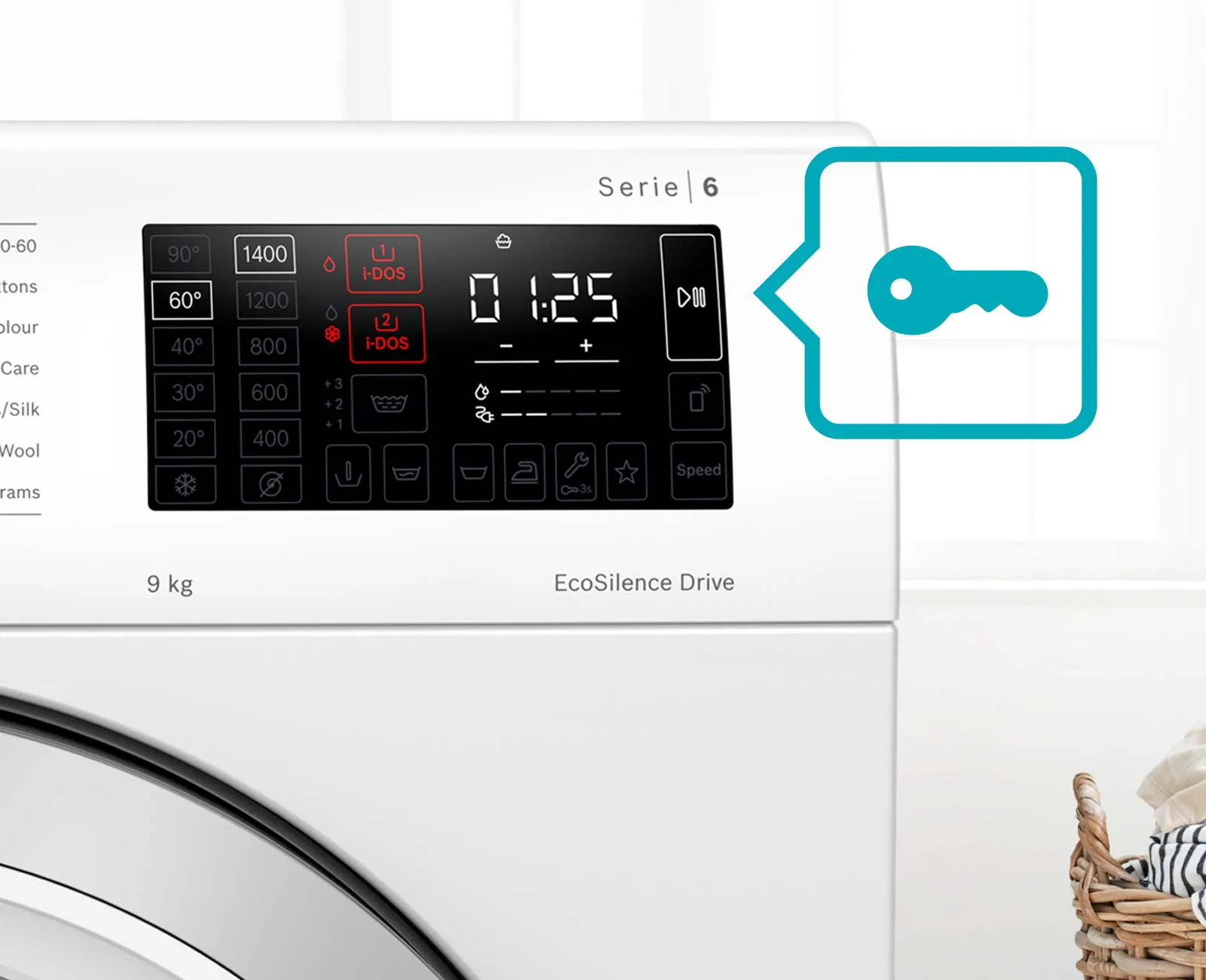
When the child lock is activated, there will either be a key symbol or a "CL" symbol in the display and all the washing machine buttons will be disabled. To deactivate the child lock, press and hold the start button for three to five seconds. After this time you will hear an audible beep and the key symbol will disappear.
Method #2
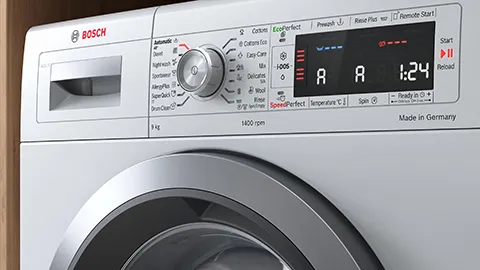
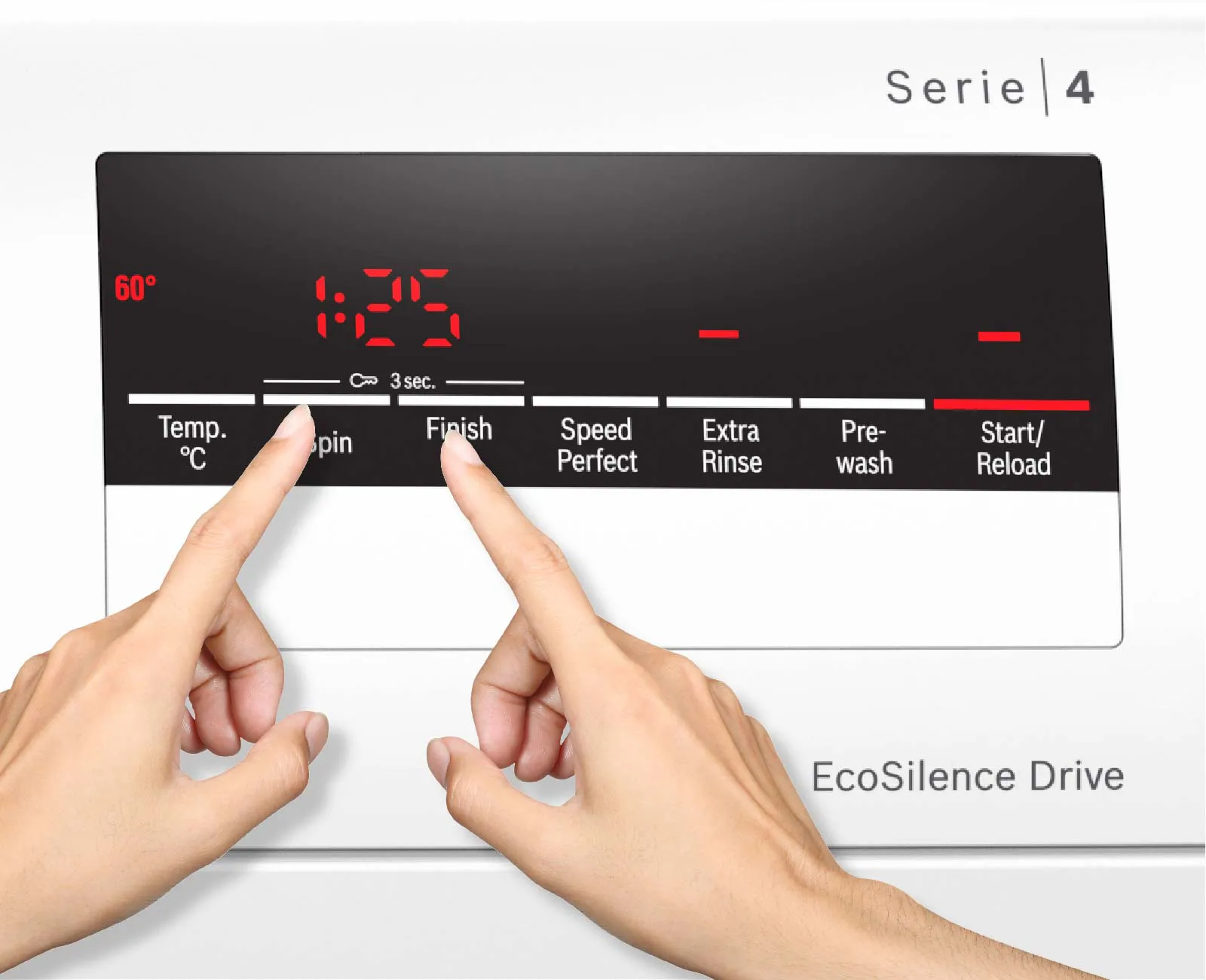
Another way to deactivate the child lock on particular Bosch washing machine models is to press and hold the "rpm" and the "finished in" buttons together for approximately three seconds. After this time you will hear an audible beep and the key symbol will disappear.
Method #3
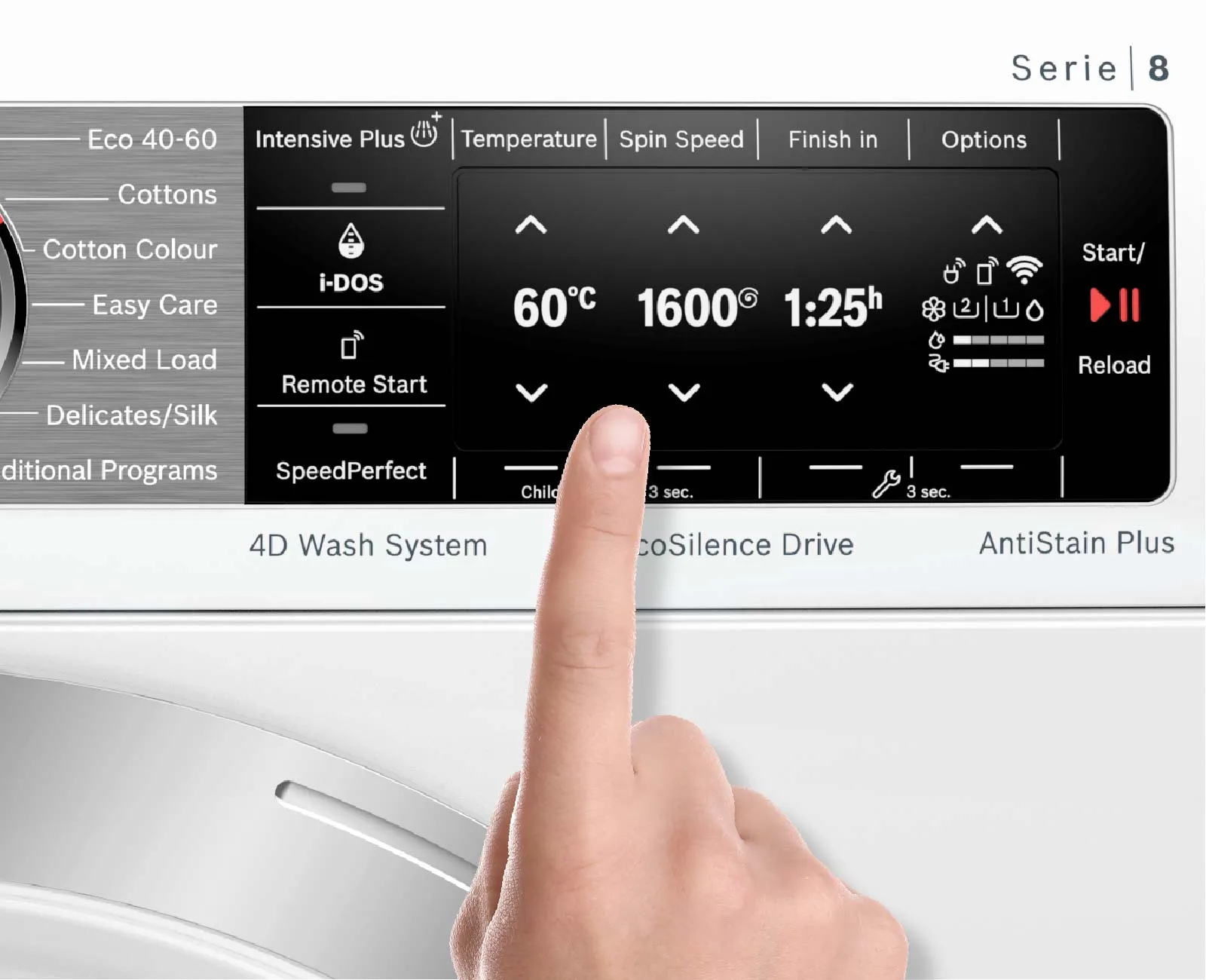
If your Bosch washing machine has an advanced touch screen display, there should be an illuminated square button with a key symbol and "3 sec" underneath it. Simply hold this button down for three seconds, the button will darken and an audible beep will indicate that the child lock has been deactivated.