
BOSCH logoHome Appliances
A composite image showcasing a modern kitchen with smart Bosch appliances and the Home Connect app. In the foreground, a hand holds a smartphone displaying the app's welcome screen. The background features a bright kitchen with a freestanding refrigerator, a built-in oven, a coffee machine, and an open dishwasher. The "CONNECTED BY Home Connect" logo is in the bottom right corner.

Home Connect simple Set up

Simple to set up, simple to use

Set up your appliance howyou want it and achieve the best results with our useful reminders, tips and recipes. Home Connect takes all the benefits of using our appliances and makes them even more useful in a practical and helpful way. What´s more you can do this from the comfort of your sofa or whislist on the move. And when your hands are full, thanks to our partnerships with Amazon, Alexa and Google Home you can tell your appliances what to do or just ask for assistance.Try it for yourself.
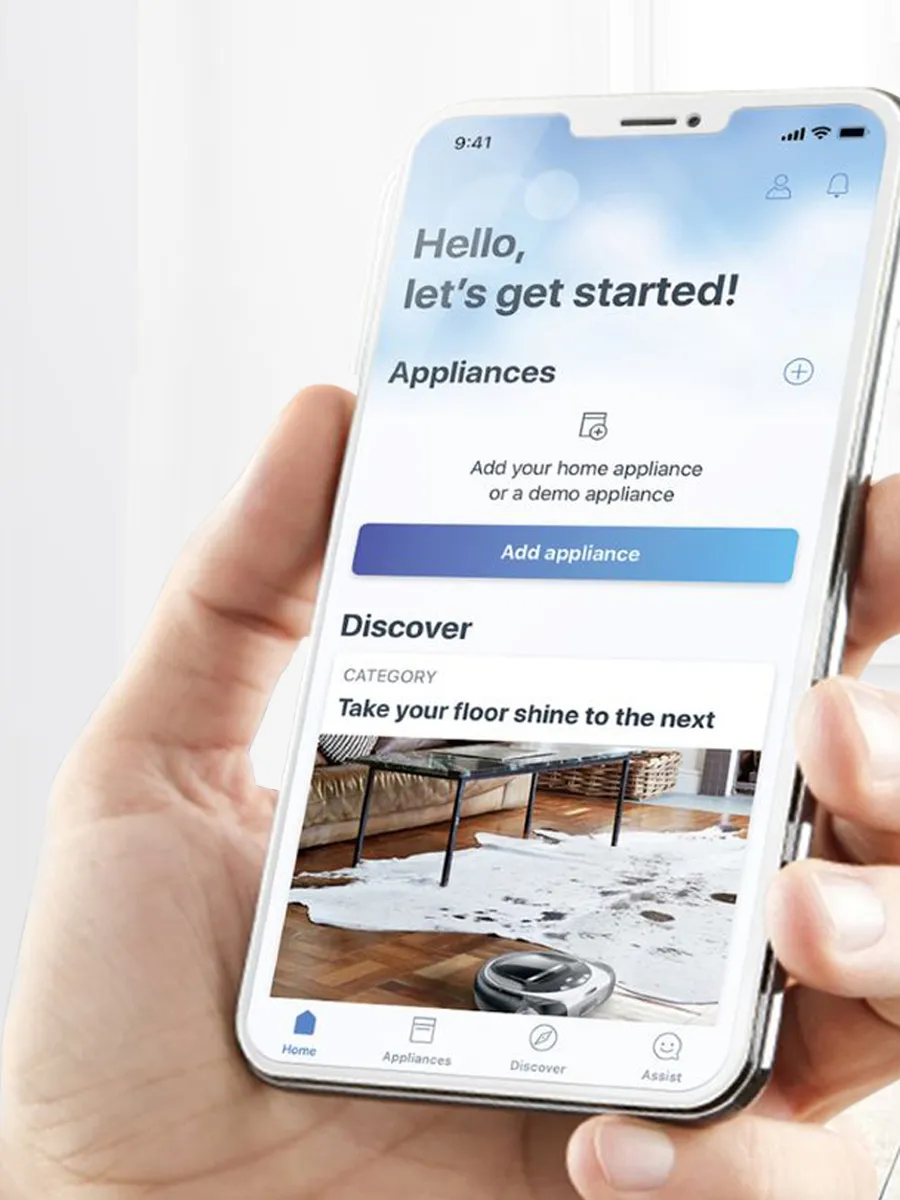
 someone holding a phone with the Home Connect app open
Step 1 - Download the Home Connect appThe Home Connect app is available to download for free from the App Store or the Play Store.
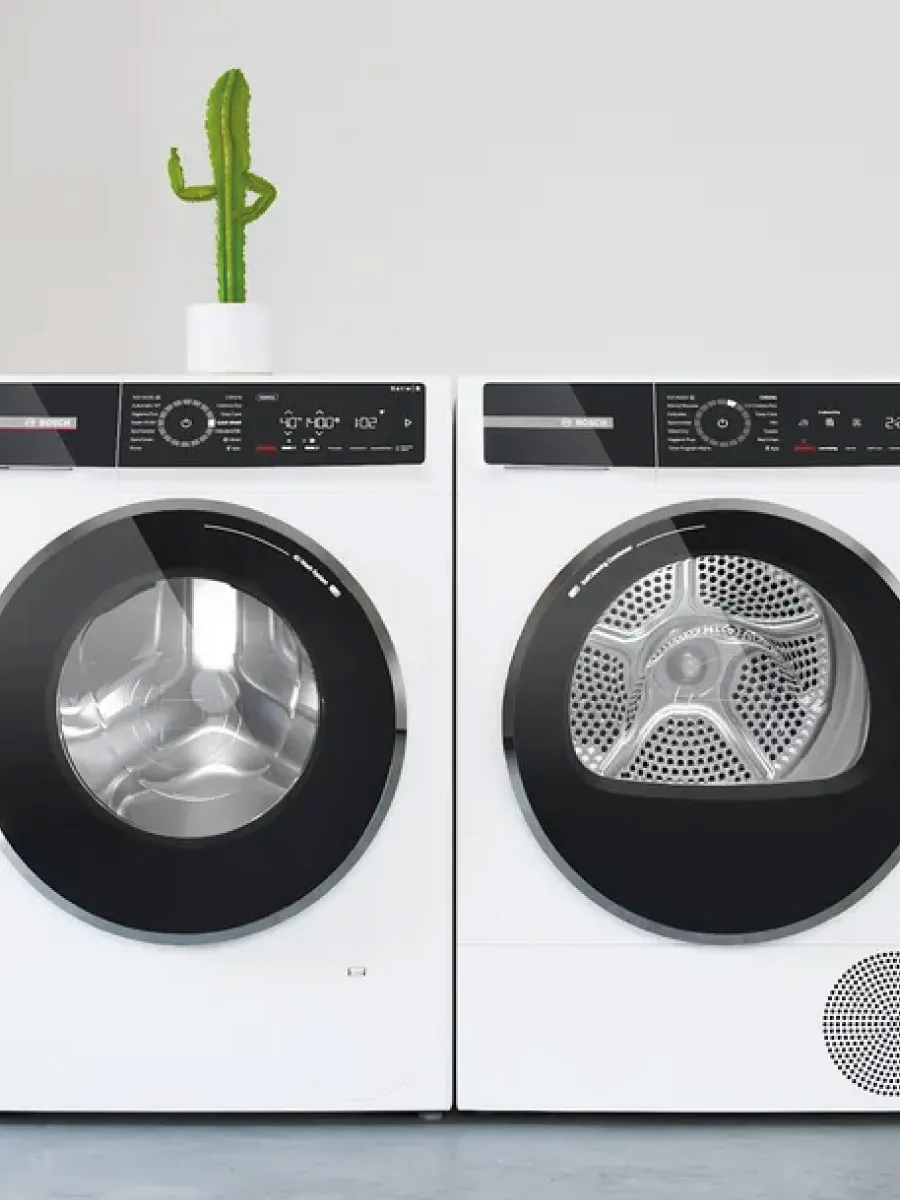
 a washing machine and tumble dryer next to each other
Step 2 - Scan your QR codeIn the Home Connect app, select 'Add appliance', then 'New appliance'. When asked, scan the QR code on your Quick Start guide, on your appliance, or in your User Manual. Can't find those? No problem, use the Connection Guide.
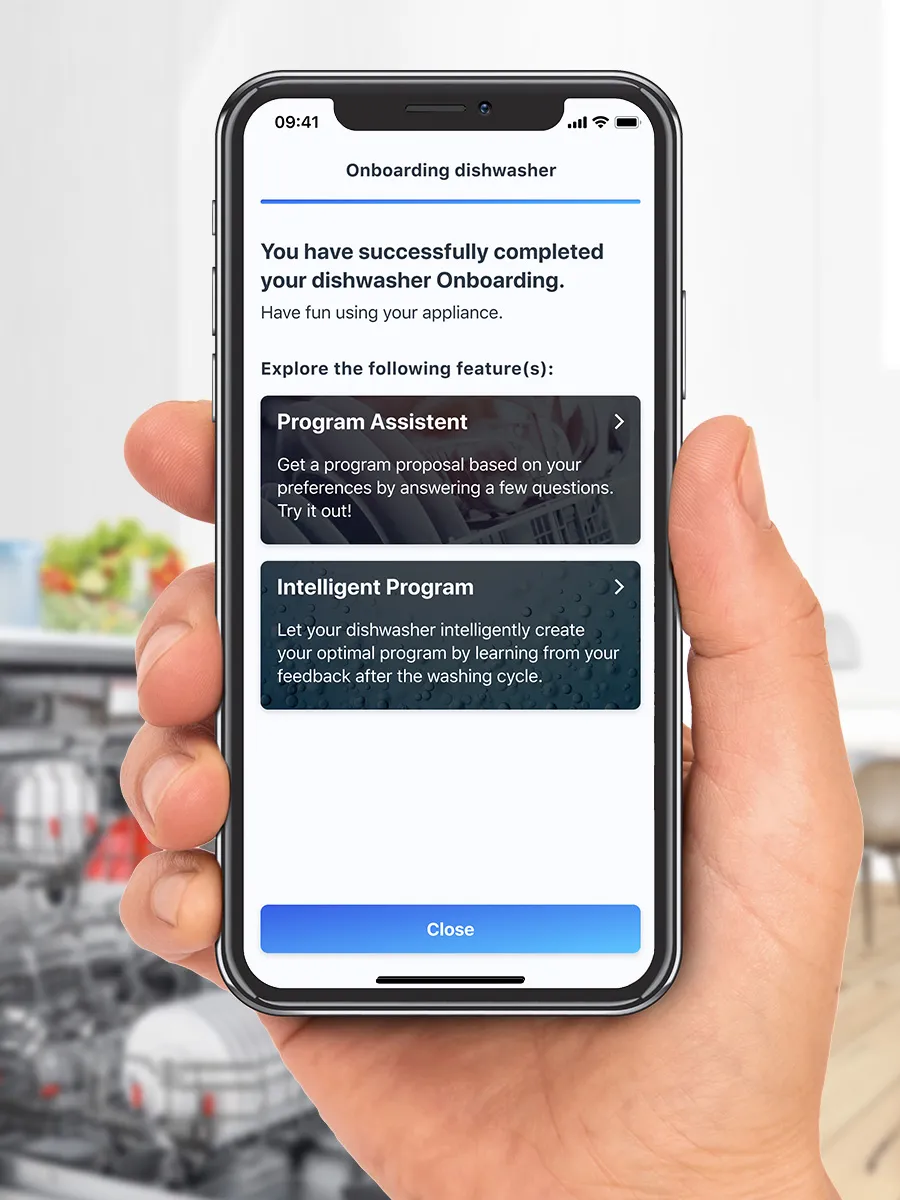
the Home Connect onboarding process for dishwashers
Step 3 - Follow in-app instructionsThe Home Connect app will then talk you through the pairing process step-by-step. Now sit back, relax and enjoy the app.

Having Trouble?

With our helpful FAQs we will have you connected in no time. Whether it´s questions about your Wi-Fi network, pairing or error codes we´ve got you covered.
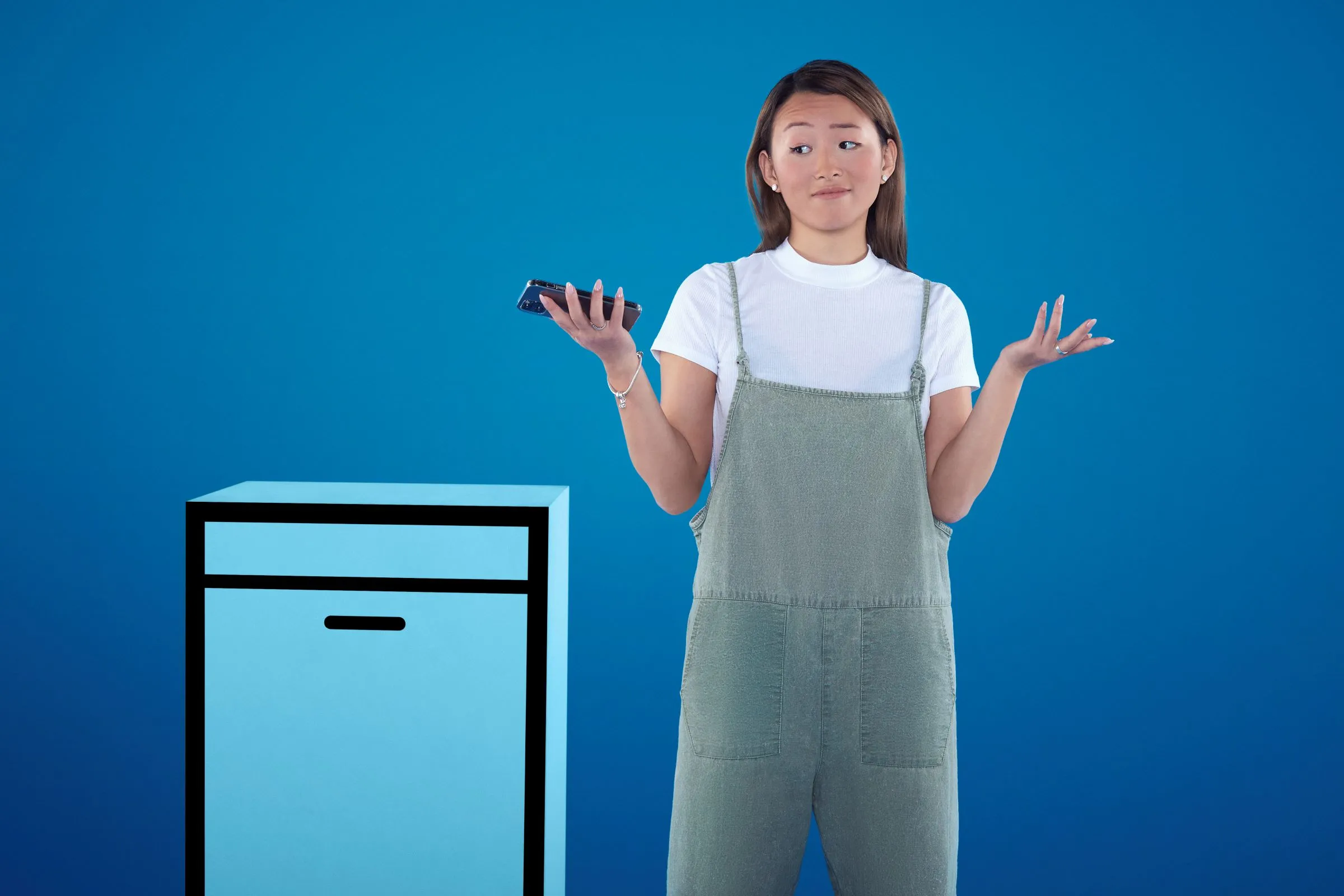
Young woman in casual outfit standing next to appliance, gesturing with hands, blue background.
Bosch Home Connect Simple Setup | Access to iOS & Android App | Bosch UK